
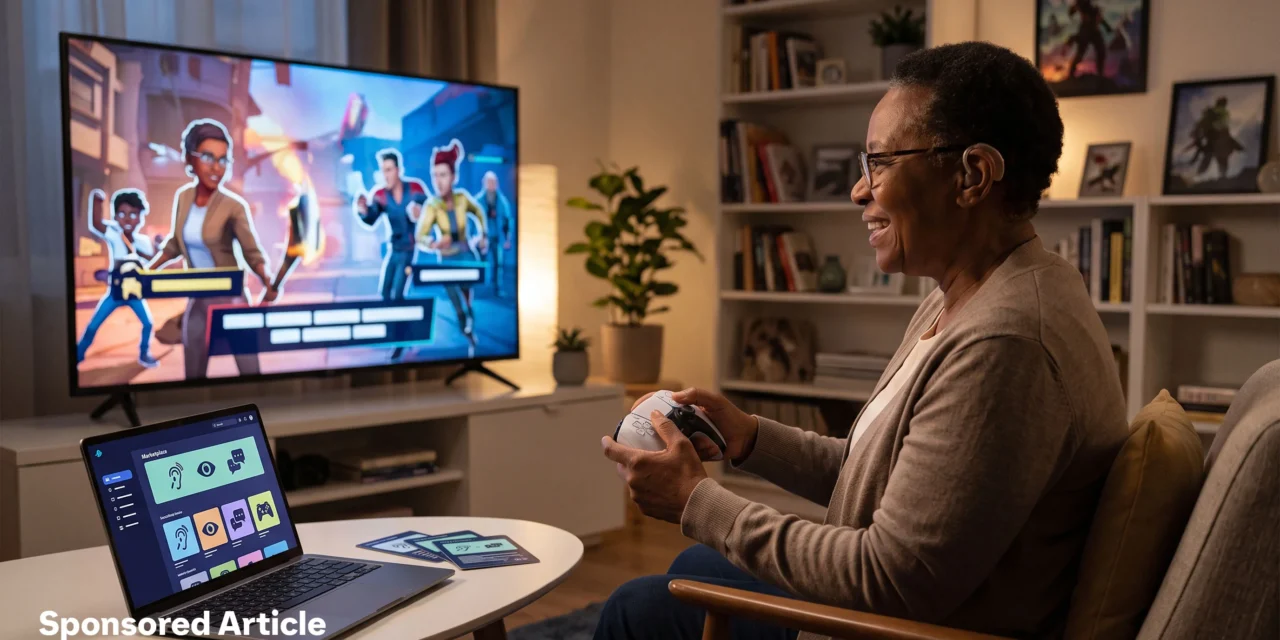
Accessibility can improve before a controller is picked up. Clear information about controls, text, audio, and difficulty options lets players identify suitable games during ordinary browsing. The popular focus on specialized devices misses part of the picture: software settings and better discovery may currently spread accessibility further in visibility and reach. That is an evidence-based interpretation of documented platform tools, not a measured industry ranking.
Buyers who want to top up Robux cheaper often compare direct purchase routes with gift cards or discounted digital codes where available. Eneba is one option for choice across platforms and regions, with product pages that can show platform and regional compatibility information. Its verified merchants provide a reassuring context for legitimate digital products, while a guide on how to send robux to friend can help with gift planning. Clear region information helps buyers select the right digital product for their account.
Discoverability Makes Features Practical
A useful feature has limited value when it stays buried in a settings menu or is absent from a product page. Searchable tags and plain descriptions turn accessibility details into part of the selection process. Players, parents, and friends can review stated options before purchase rather than guessing about a game’s fit.
Steam displays developer-provided accessibility information on game store pages and lets users search by accessibility features. PlayStation Accessibility Tags let developers describe supported features as players browse supported games in the PS5 PlayStation Store. The Accessible Games Initiative introduced 24 tags that cover options like clear text, narrated menus, stick inversion, and save-anytime support.
The initiative also allows its tags across digital storefronts, product pages, catalogues, social posts, and other digital spaces. Microsoft states that accessibility documentation can help players determine if a title will be playable before purchase. This distribution layer does not make every game accessible, but it gives people a clearer basis for choosing.
Software Broadens Reach While Hardware Solves Physical Barriers
Software options can reach players on platforms they already use. Xbox includes tools like Narrator, Magnifier, color filters, captions, controller remapping, and Controller Assist. Microsoft’s publishing guidance also covers adjustable difficulty, pausing, progress-saving options, adjustable text size, single-stick gameplay, and communication features.
These options are not universal across every title. Some support is platform-level, while other features depend on a developer’s implementation. Still, settings, metadata, and documentation can be added or improved without requiring every player to obtain a new physical device.
Hardware remains essential because software cannot remove every physical barrier. The Xbox Adaptive Controller supports external switches, buttons, mounts, and joysticks, alongside remapping and profiles. PlayStation’s Access controller offers customizable caps, adjustable stick length, mounting options, expansion ports, and use with other controllers.
The stronger argument is not that hardware has become less important. Personalized controllers address needs that menus and tags cannot. Yet accessible design gains wider day-to-day reach when people can find, understand, and select compatible games across platforms and regions. Digital marketplaces like Eneba offer deals on games, gaming top-up, and more, and clear product details help that access serve players well.